Made by an organizer, for organizers
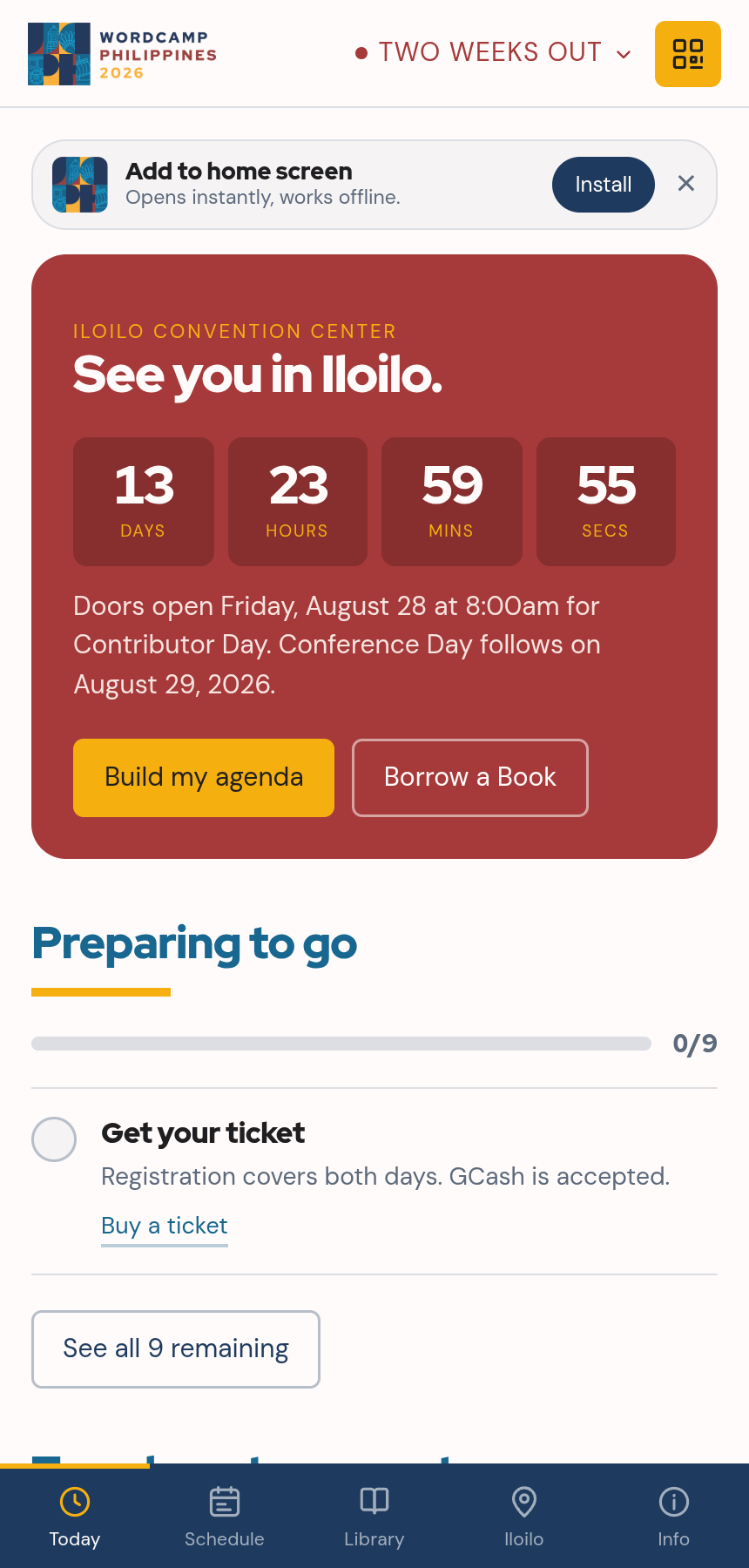
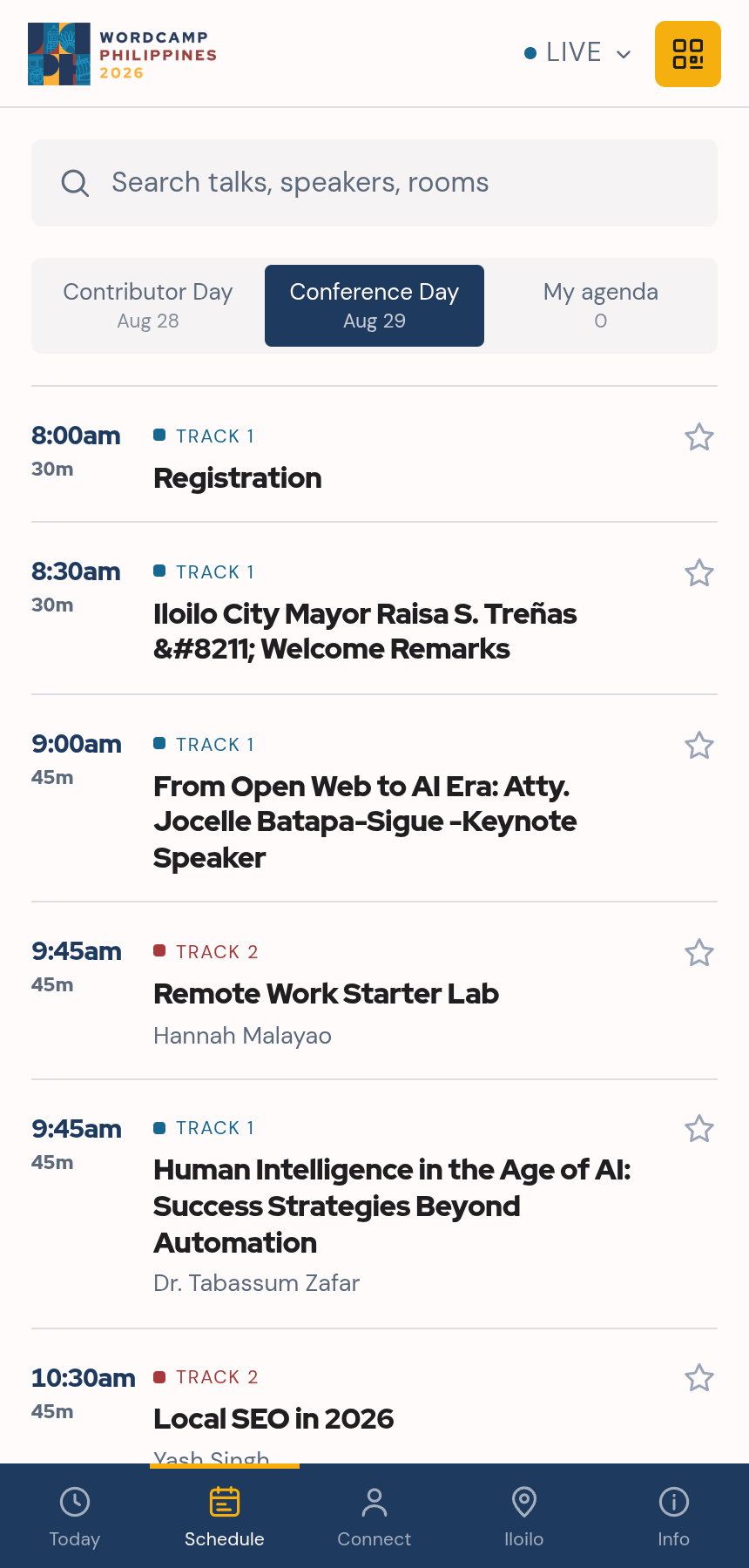
You already keep the schedule, speakers and sponsors on your wordcamp.org site. This turns them into an app your attendees keep on their phone, in your camp's colours, working even when the venue wifi gives out. We built one for WordCamp Philippines so you can try it.
Free. No app store, no accounts, no second copy of the schedule to maintain.
Point your phone camera here
Scan the code and the WordCamp Philippines app opens, no install. Add it to your home screen and it works offline. Pass it around your next org call and let the team poke at it.
On a laptop? Just open the demo.
Every attendee has one
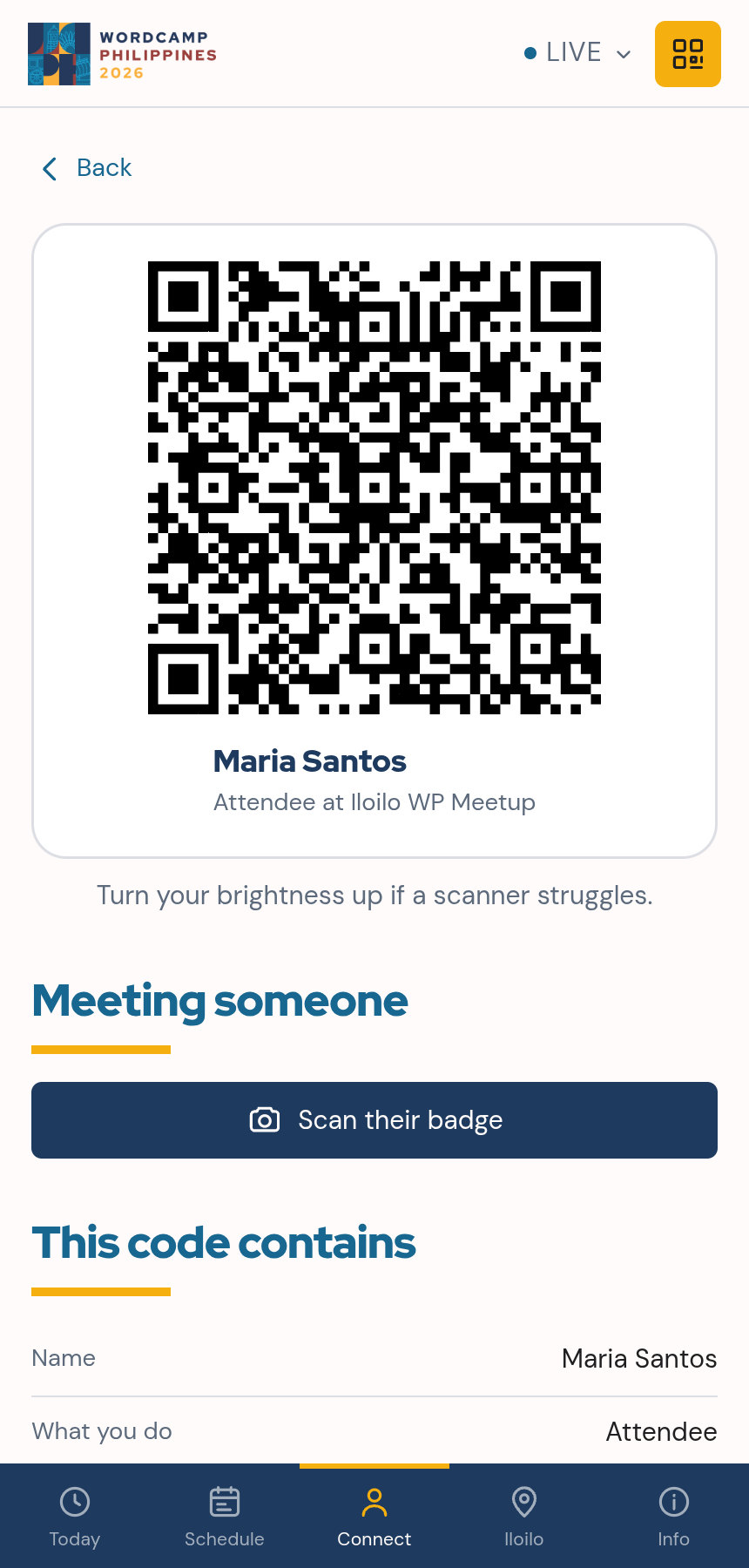
Everyone carries their own badge. Meet someone in the hallway, scan their code, and you both keep the details. No accounts, no swapping numbers, no awkward "let me find you on Twitter." Sponsors get the same thing at their booths.
Rather not run badges this year? One switch turns it off.
Read from your own wordcamp.org site. You are reviewing it, not scoping it.
No licence, no per-attendee fee, no developer account to buy.
Reviewing it and flipping switches is an afternoon of clicking.
Reads the schedule you already keep current. Change it there, refresh here.
Plain static files. Host it free here, or export it to your own domain.
The QR keeps details in the code, so there is no list on a server to guard.
Turn a feature on and it appears. Type into a field and the preview updates beside you.
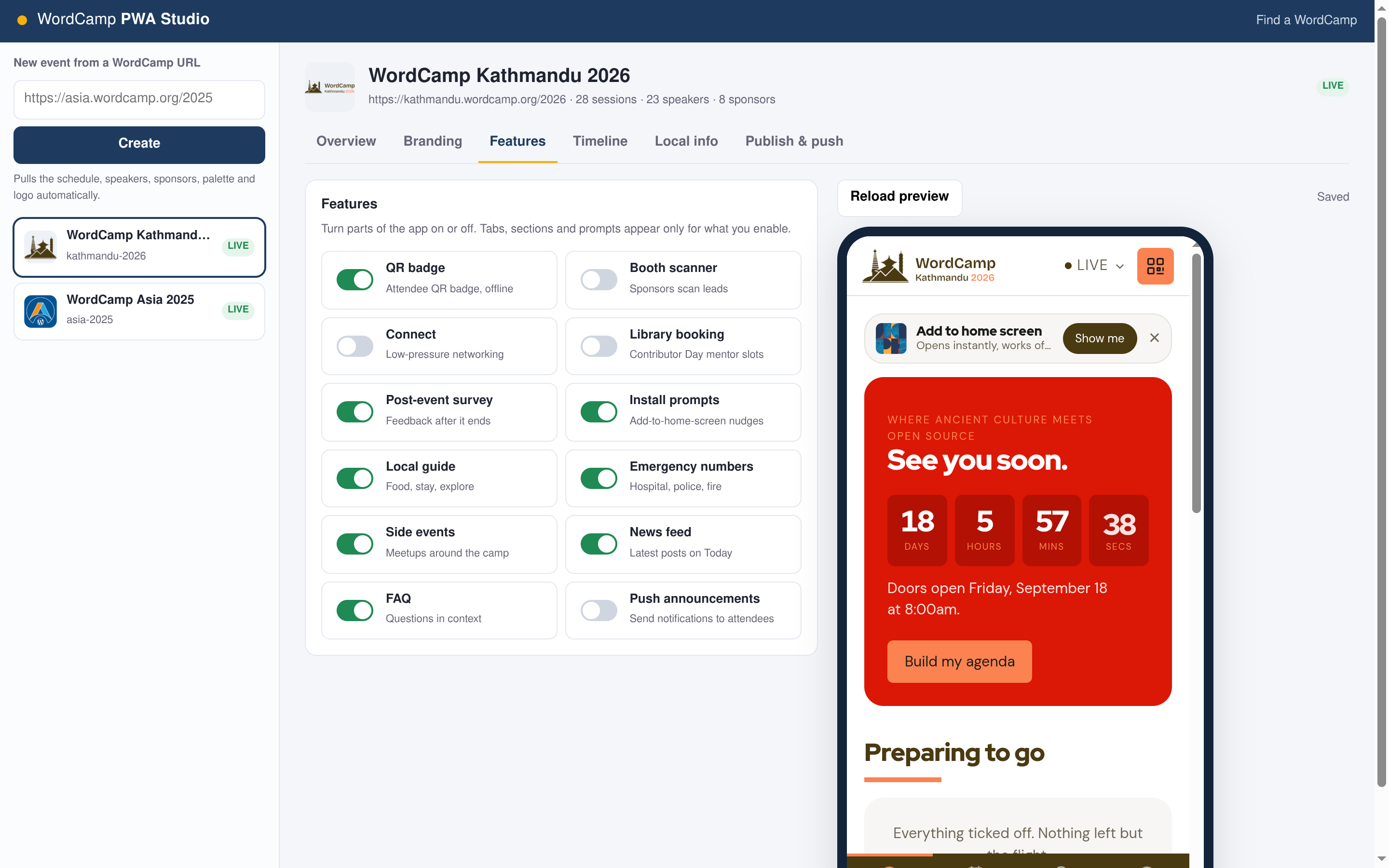
Badges, sponsor scanning, networking, Contributor Day bookings, the survey.
Local guide, emergency numbers, venue wifi, help-desk contacts.
Palette and logo come from your site. Nudge any colour by hand.
What shows two weeks out, the night before, each day, and after.
Room moved, talk running late, lunch early. Everyone installed gets it.
One tap re-pulls the schedule and keeps your edits.
Already loaded with your schedule and branding. Review it and toggle what you want.
One button builds a fast, offline app at a shareable link. Installed copies update themselves.
On your site, in the ticket email, and as a QR on lanyards. Attendees add it to their home screen.
Every app is plain static HTML. Export it and drop it on your own domain or any free host. Publishing here is just the quick path.
The console installs as an app too. Send an update, fix a typo, or refresh the schedule between sessions.
Always current, works when the wifi does not, and in your camp's colours throughout. Built, free, and live with one button.